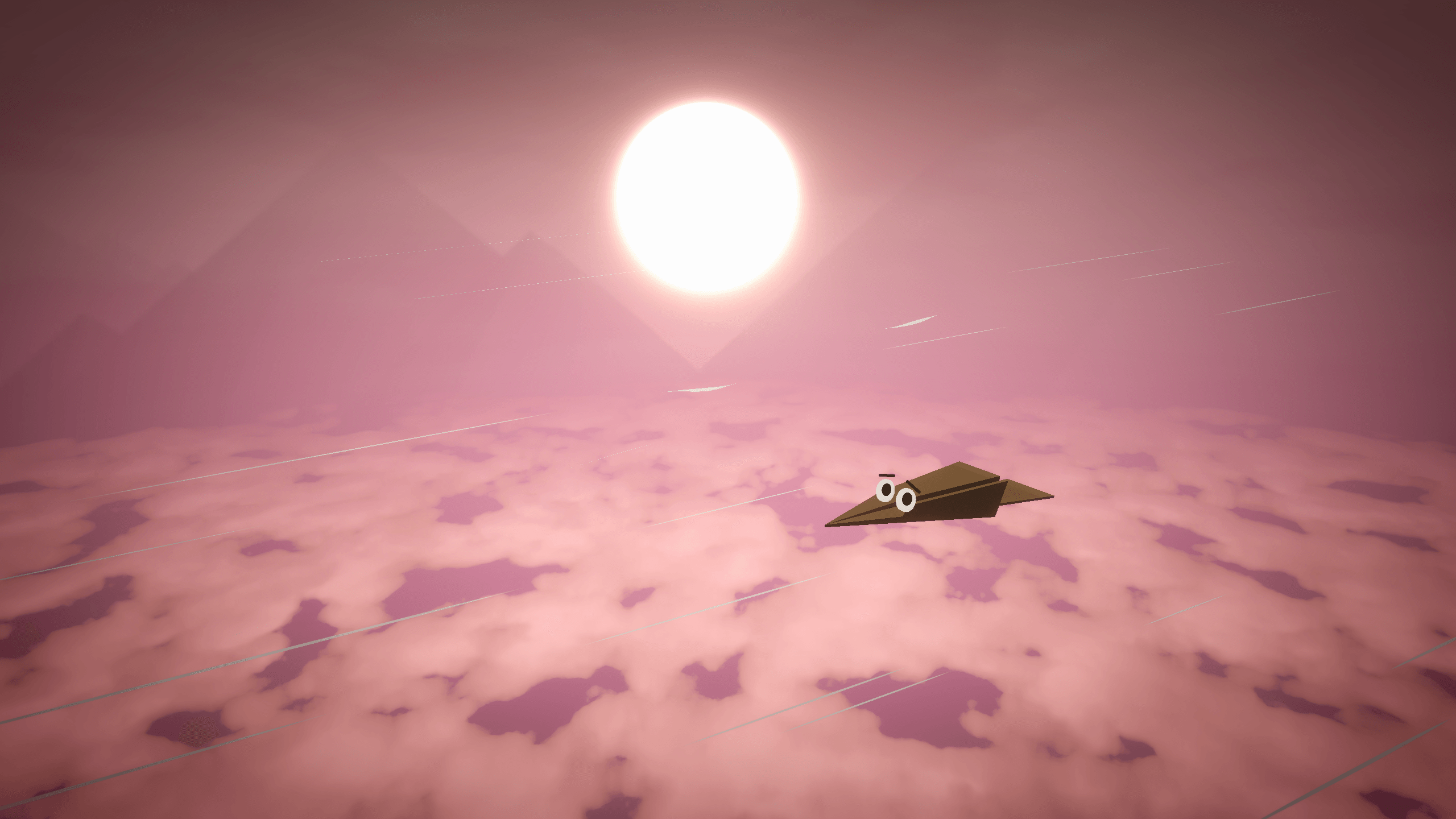
SPHERO is a 3D adventure platformer where the player has the freedom to control how they want to platform. Most games give players the ability to experience a game through various routes. We take it a step further and allow the player to choose how each platforming action, such as jumping, wall jumping, dashing, and double jumping behaves. Each action can be set individually, allowing for an infinite number of combinations.
Skills I Used
- C# Programming
- Project Management
- Shader Programming
- Game Design
- Level Design
- 3D Modeling
- 2D Art
- Tech Art
- UI Design
- Usability
- Narrative Design
- Cinematic Design
- Presentation Skills
- Sound Implementation
- Debugging
Tools I Used
- Unity
- Blender
- Photoshop
- ClickUp
- GitHub
- FMOD
- Shader Graph
- Visual Effect Graph
- Substance 3D Painter
- Premiere Pro
- Large Language Models
Project Media
Official Trailer — The official reveal trailer for SPHERO.
Shape Changing Mechanic
In SPHERO, I created this unique shape changing mechanic. I allow the player to apply a shape to a platforming action, which alters how that platforming action behaves. Through this, I was able to create a freedom-driven game that each player can experience in a different way. Some players may prefer the fast-based movements of the rocket, while some may prefer the more controllable nature of the spring. It is up to the player to decide how they move in SPHERO.

Gameplay Demo — Gameplay footage demonstrating SPHERO
Custom Movement Controller
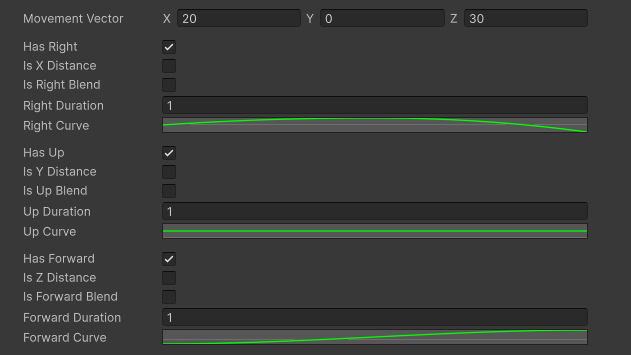
To allow for many different movement possibilities and have it interact correctly with outside influencers, I created a custom movement controller for the player in SPHERO. This gave me the ability to set the exact variables of how a movement performs, and allow those movements to work with moving or rotating platforms. As a result, almost any form/type of movement is possible in SPHERO.
Gameplay Demo — Gameplay footage demonstrating SPHERO
Interactive Grass Shader
To upgrade the visuals of SPHERO, I decided to implement an interactive grass shader. To achieve this, I used a compute shader that takes in mesh data and returns positions for grass blades. From there, I generate the blades through a custom HLSL shader where it is then rendered through cubic chunks placed around the game world. The bending interactions are achieved through sampling a mesh's UVs and painting, using a compute shader, onto a custom render texture that the grass references.
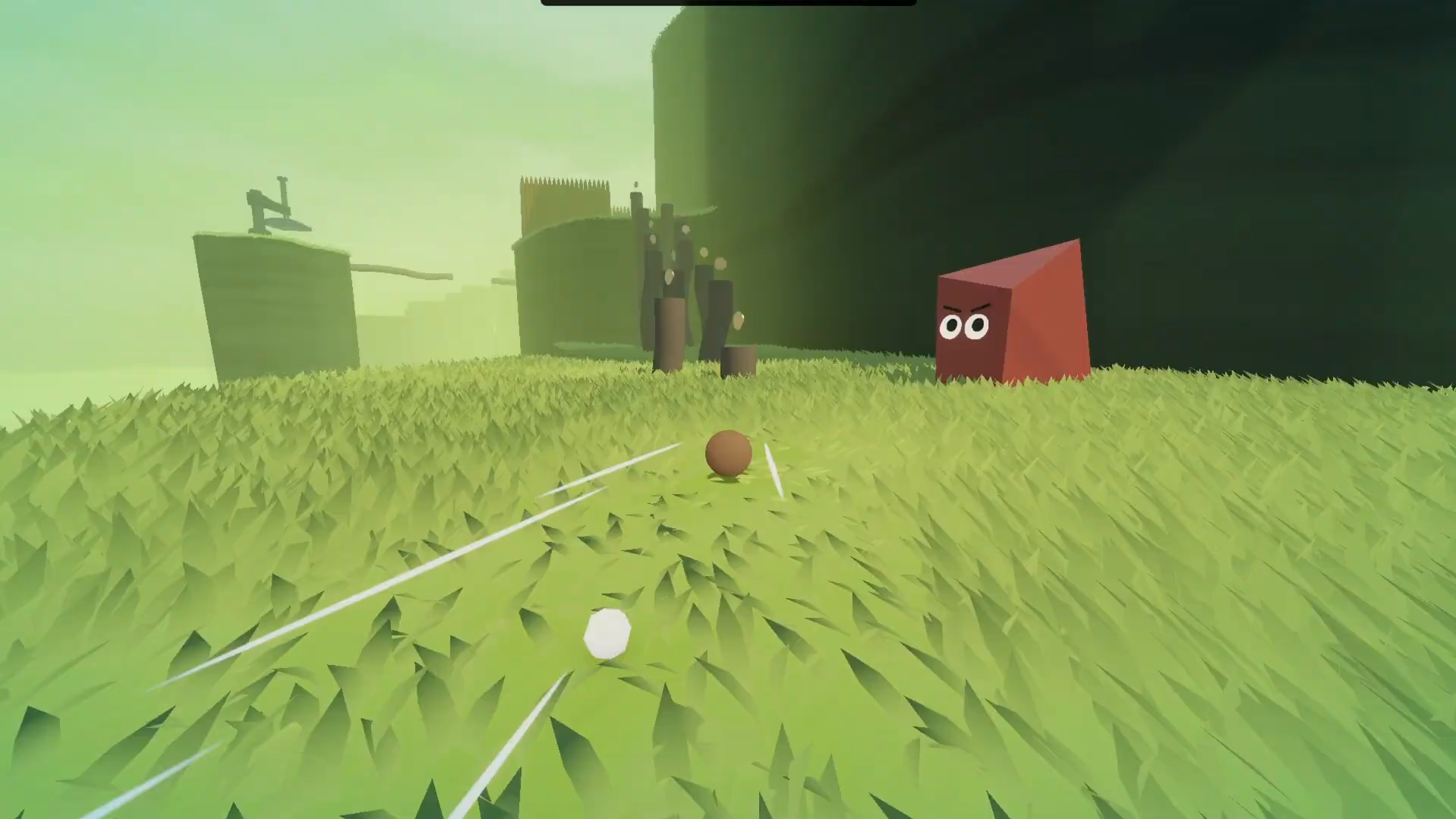
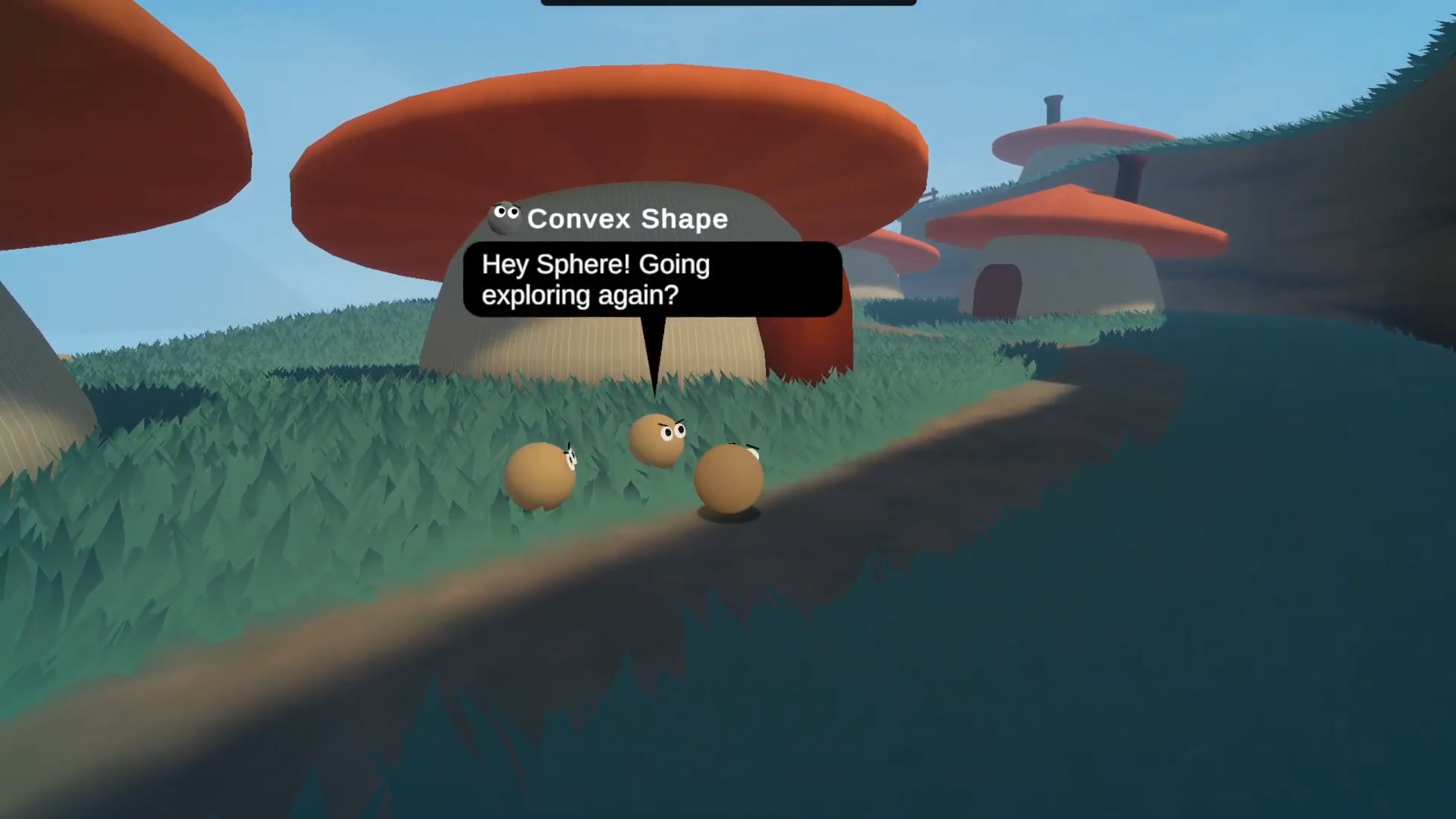
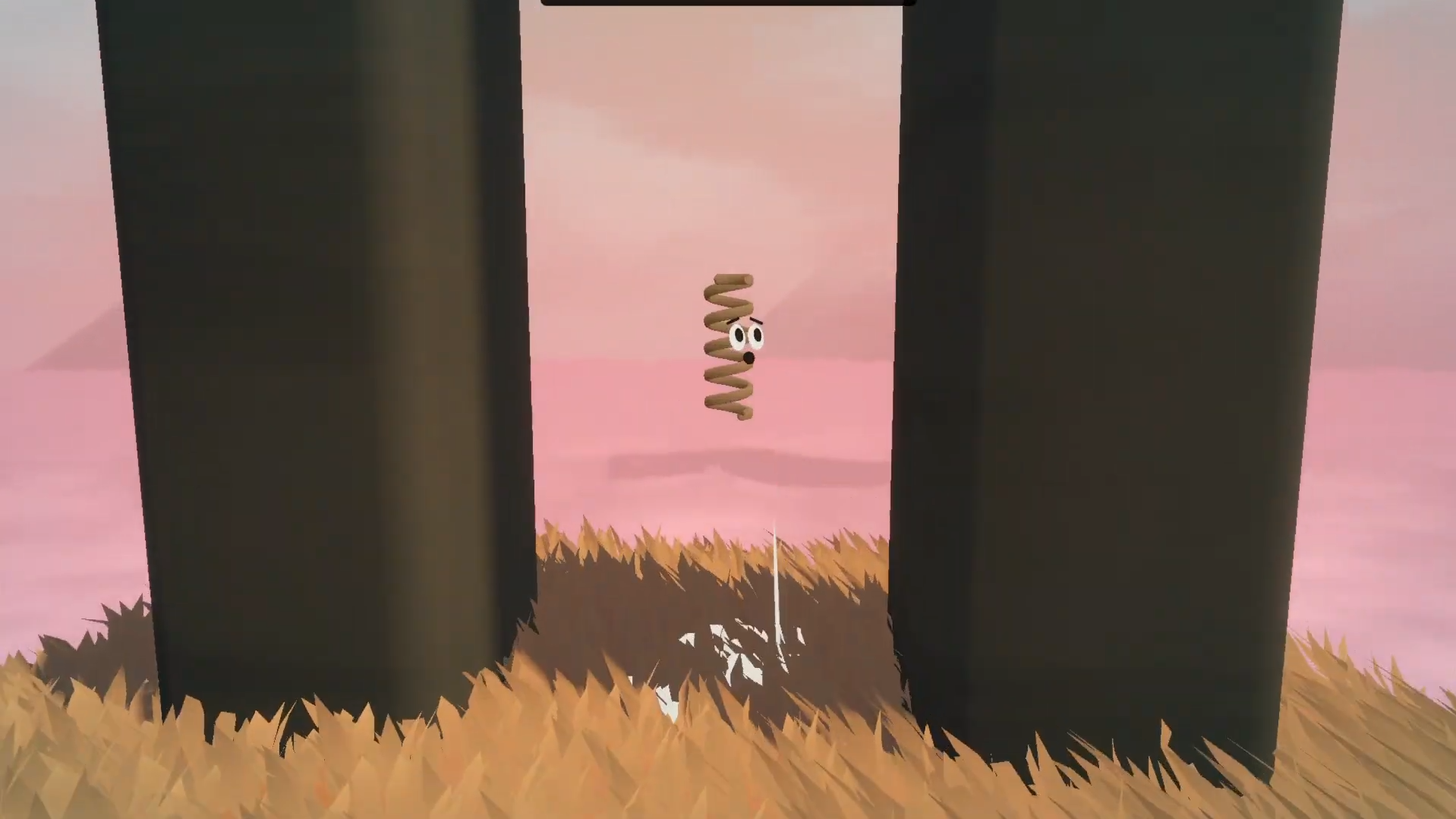
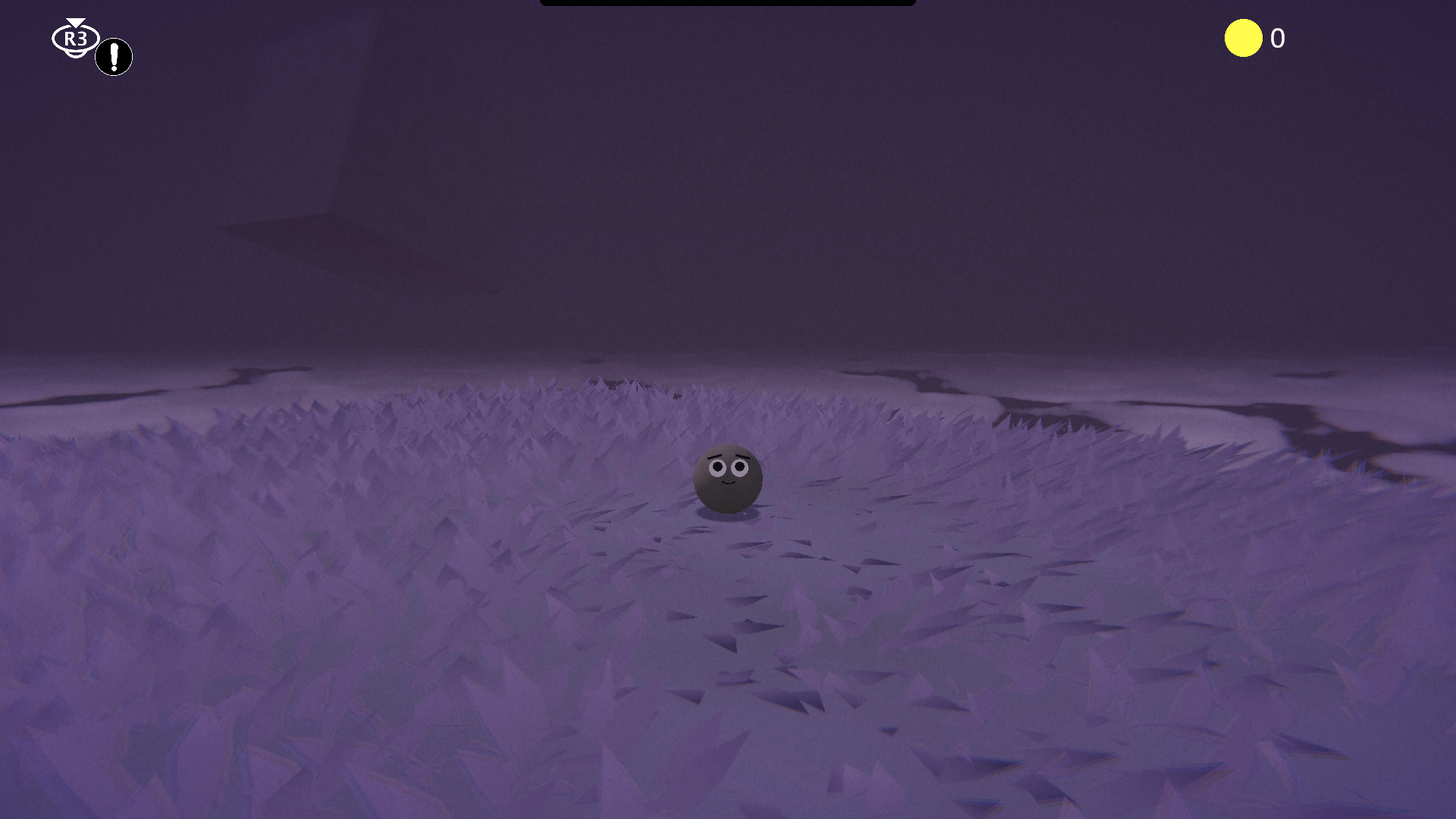
Grass Image — Image of the grass in SPHERO
Freedom-Driven Level Design
SPHERO centers around the mechanic of allowing the player to choose how they wish to platform in the game. As such, level design becomes a point of complexity, because it has to allow the player to platform using the shapes they choose. To achieve this, I tried to design levels in ways that allowed the user to use different combinations of shapes. Although the player can't complete levels using just any shapes, they can discover different combinations that work.
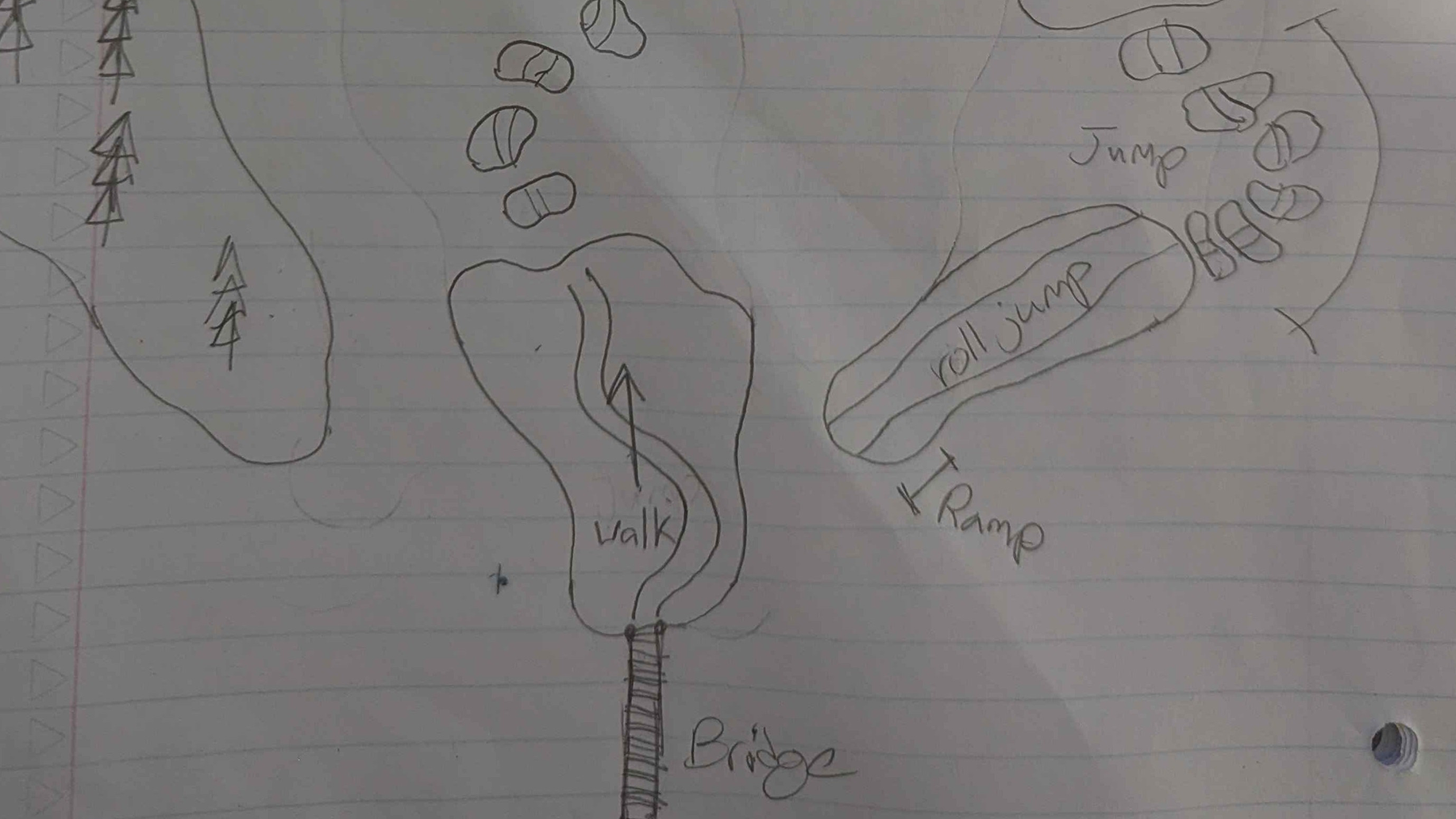
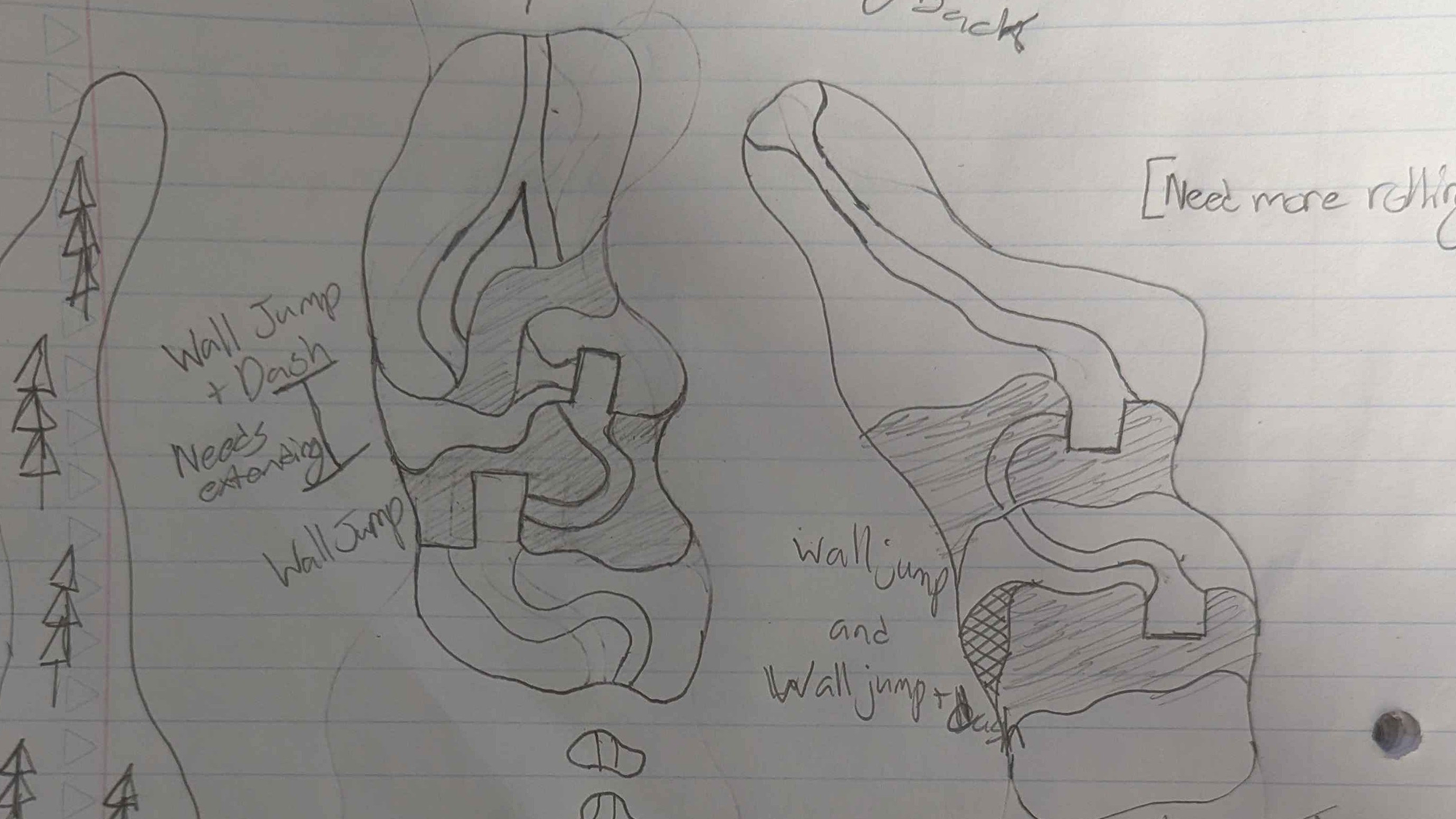
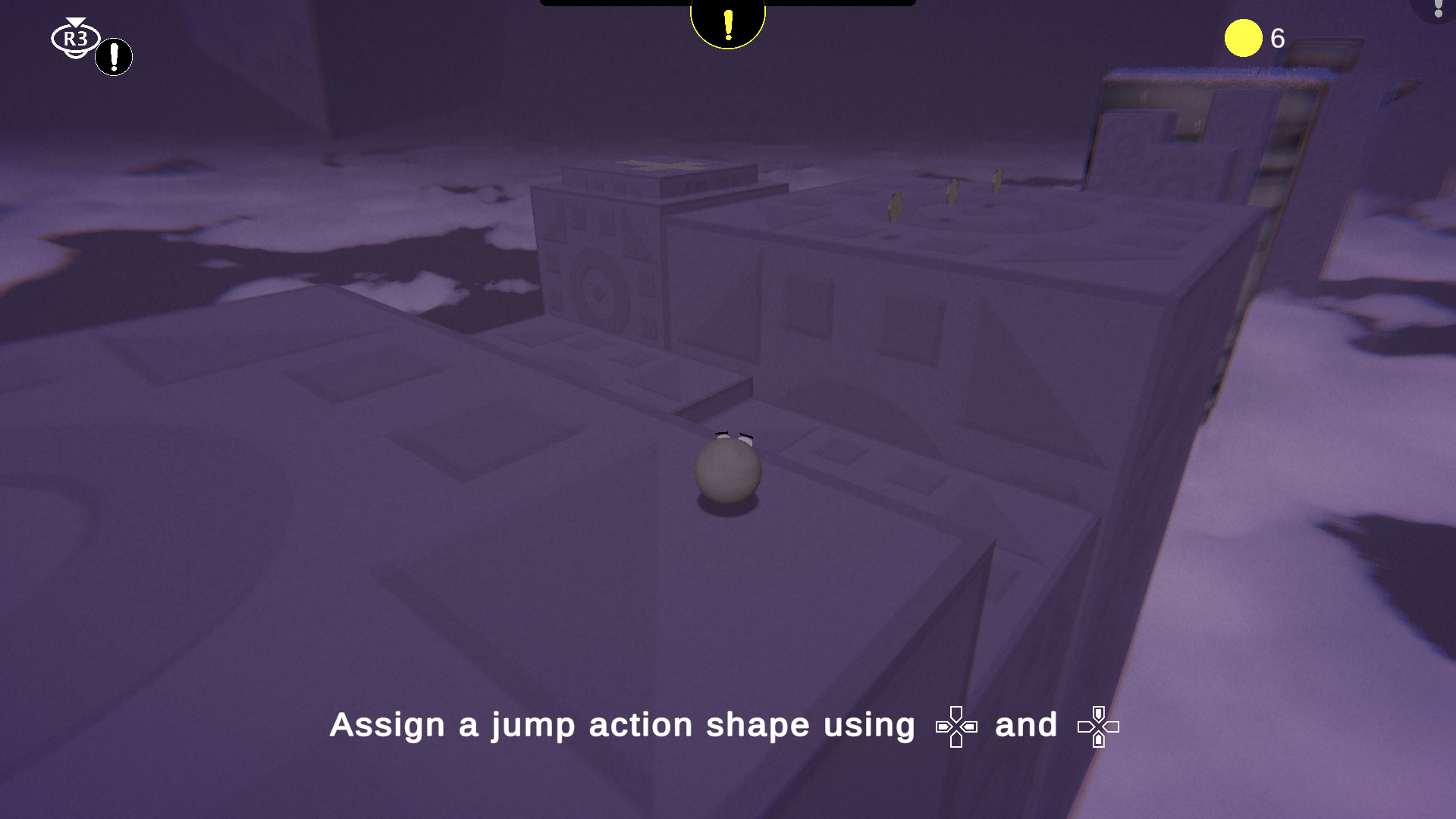
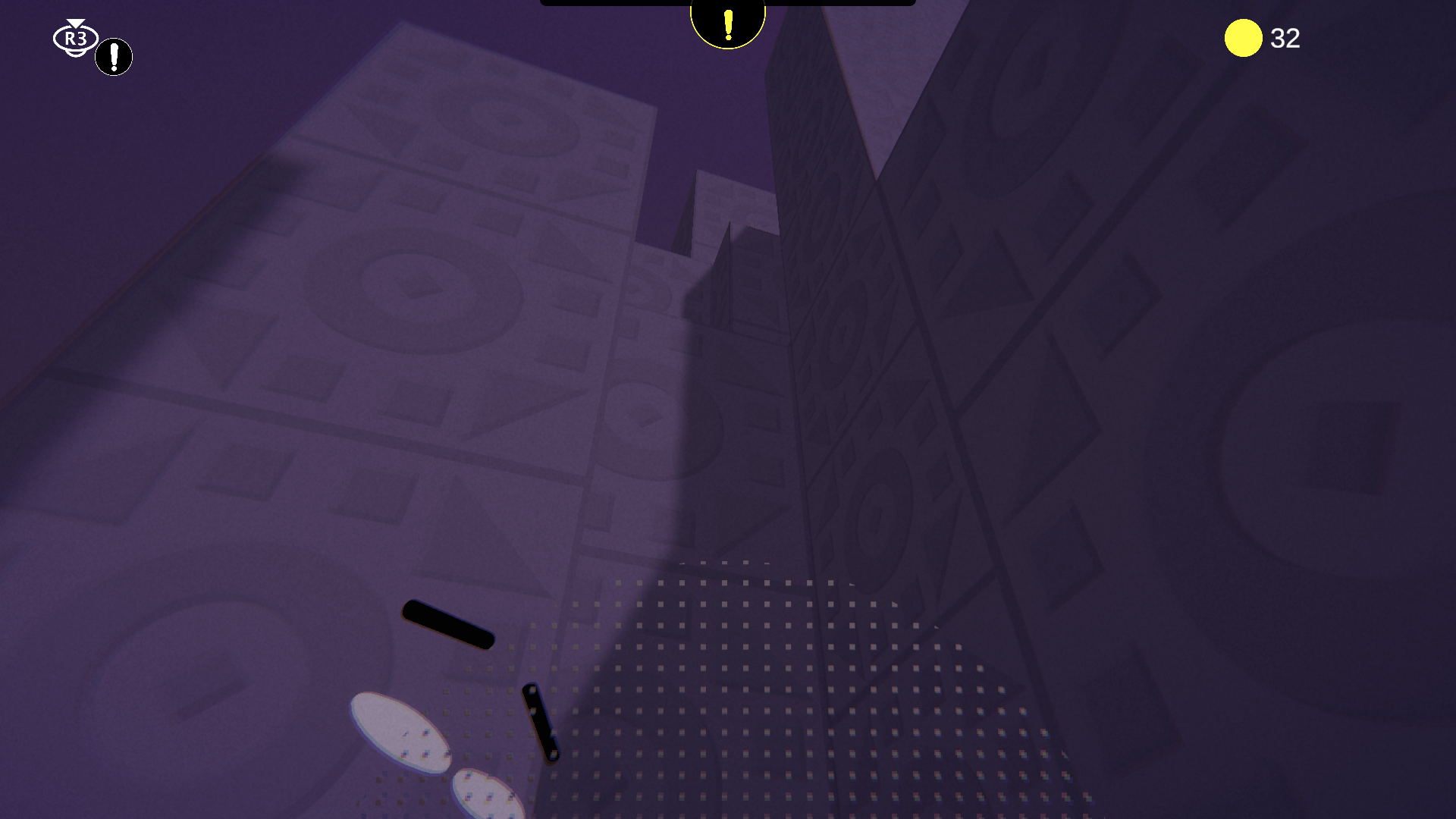
Level Design — Image of the level design in SPHERO
Custom Terrain Workflow
To create the terrain of SPHERO, I had to come up with a custom terrain workflow. My process to create SPHERO's custom terrain starts with a drawing of the terrain in question. Once I have the drawing, I can overlay it in Blender and turn its outline into a curve. From there, I fill the curve, remesh it, and shrinkwrap it to the original curve. Once I have the terrain plane, I can add cuts for different elevations, etrude the faces, and bevel the edges to achieve smooth effect. The result is a polished piece of custom terrain.
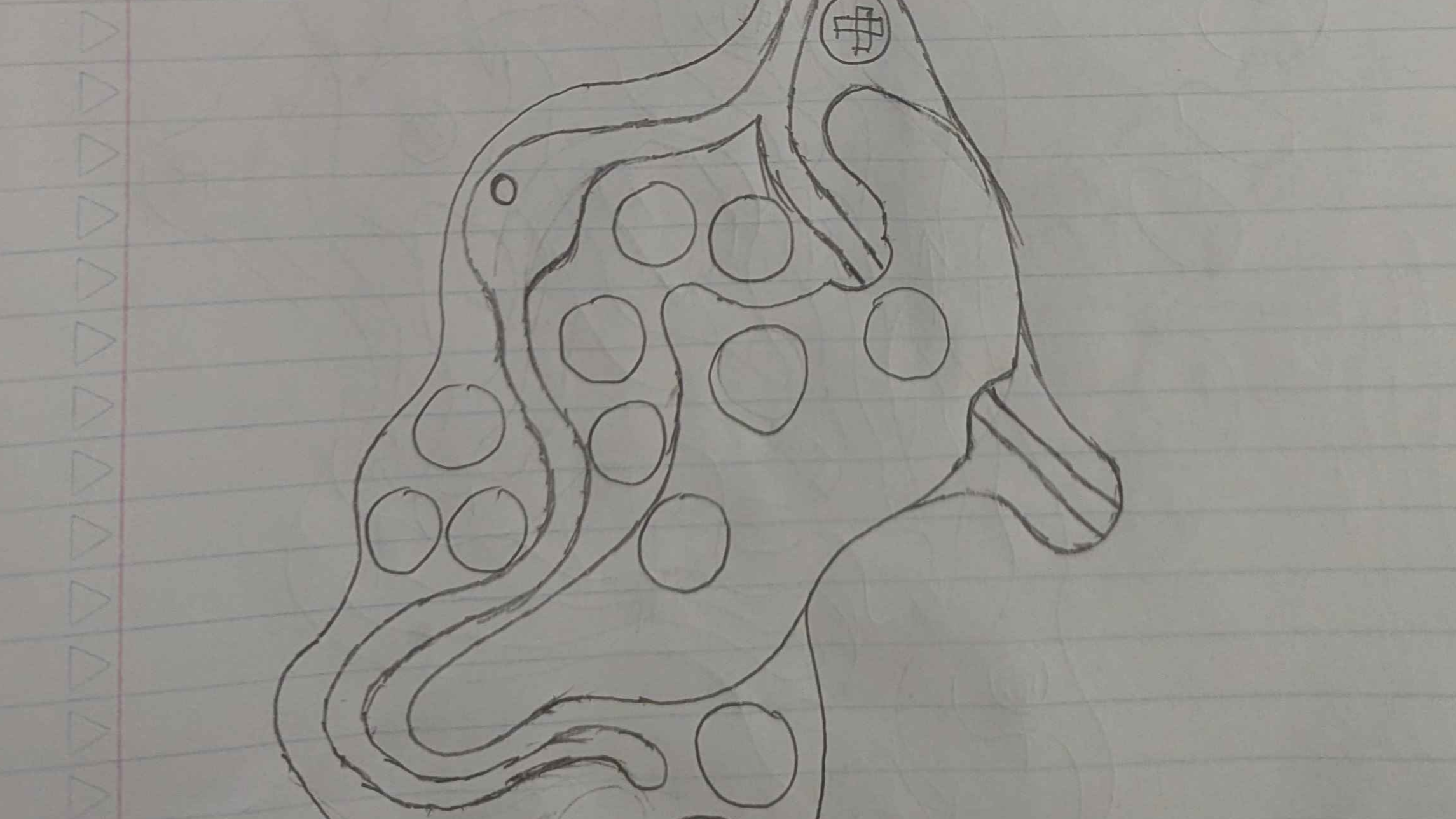
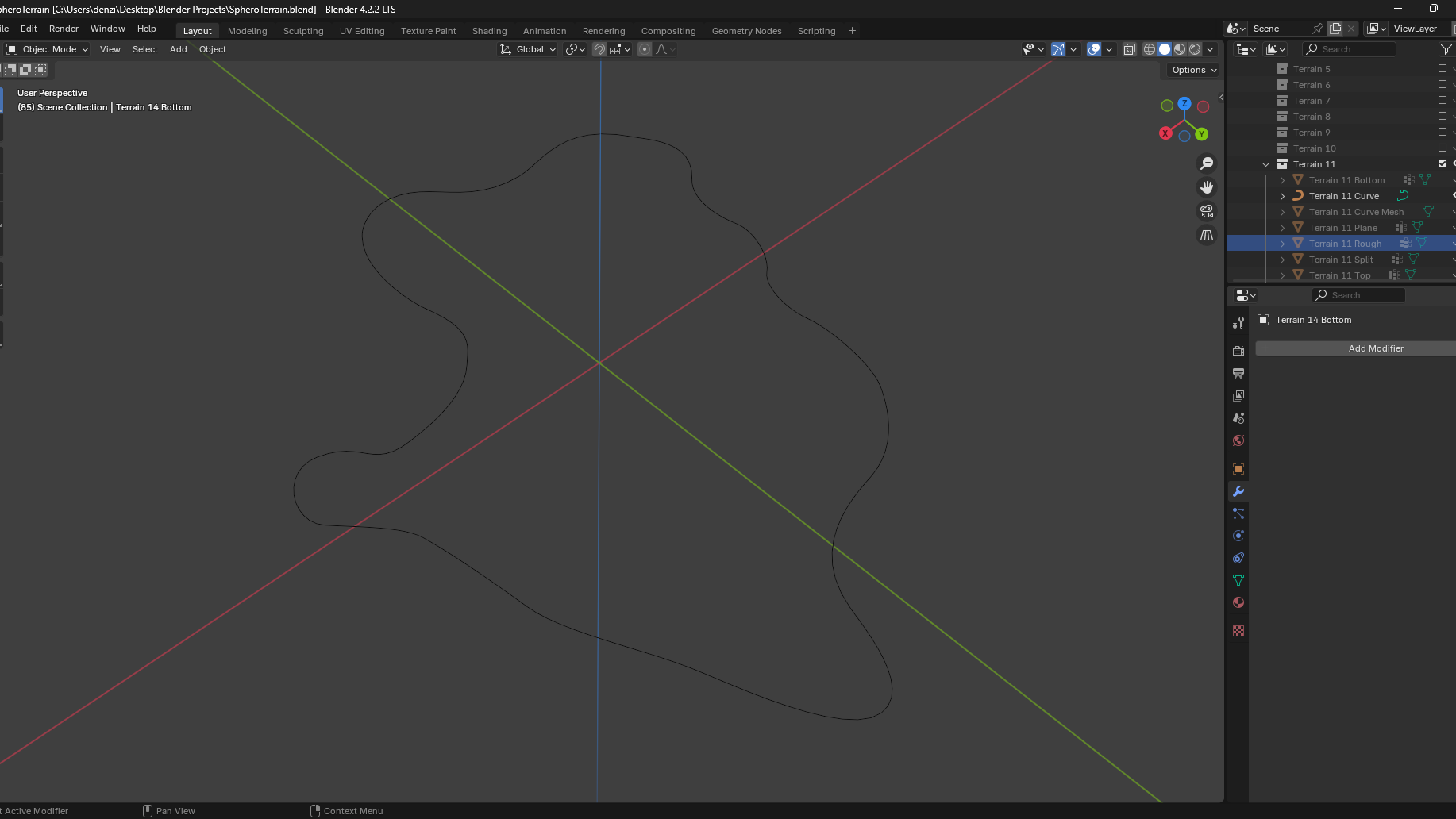
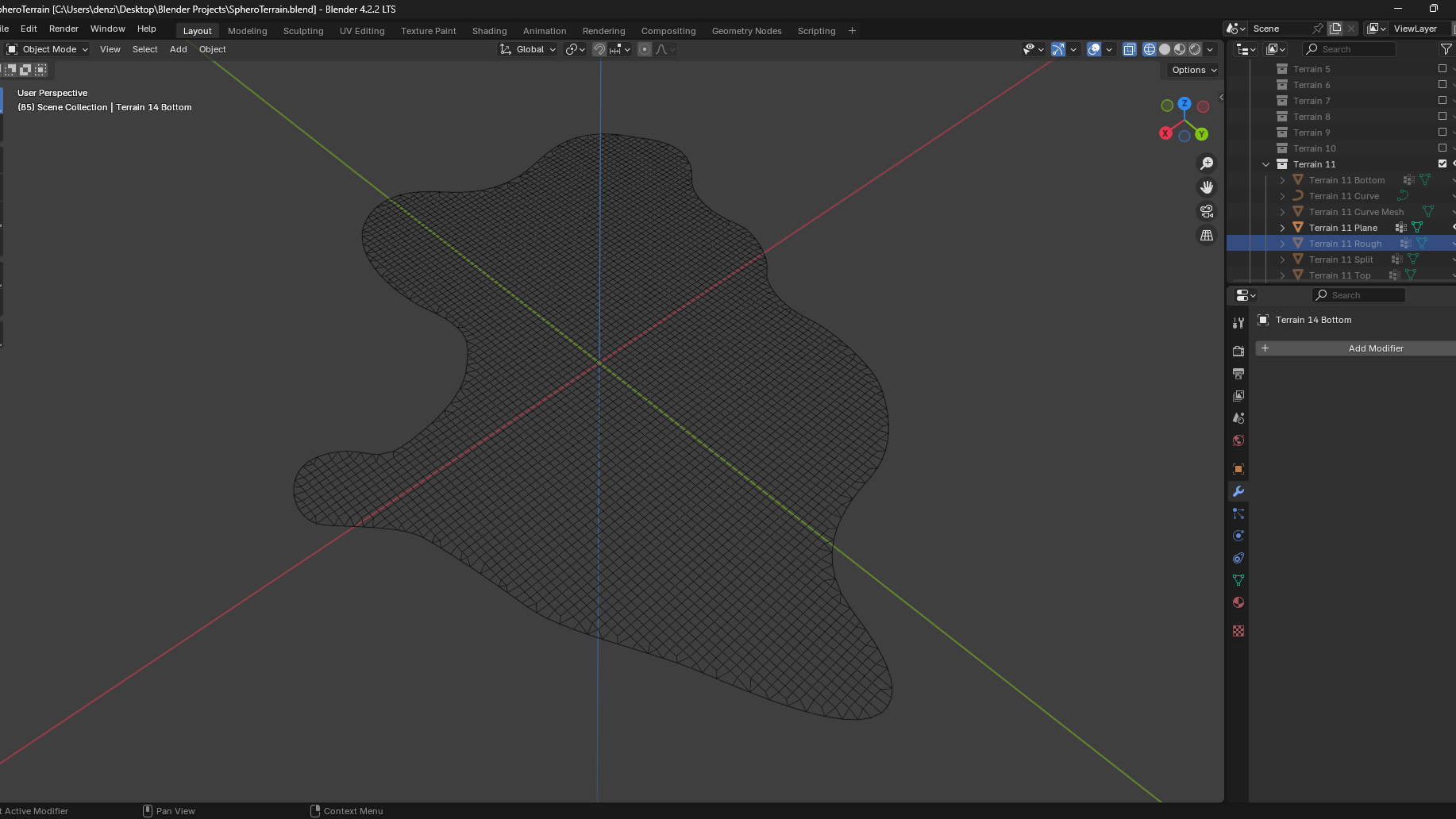
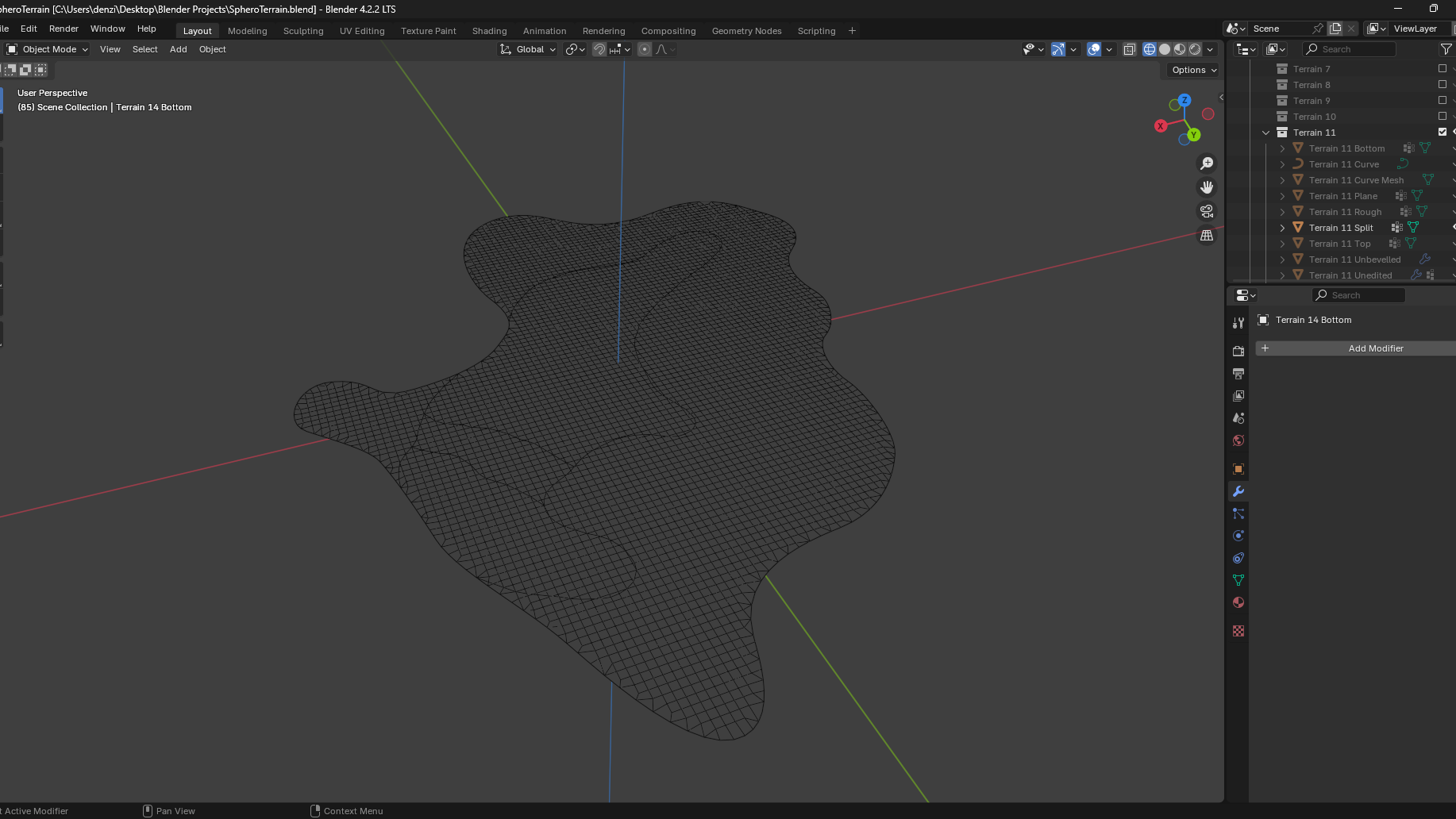
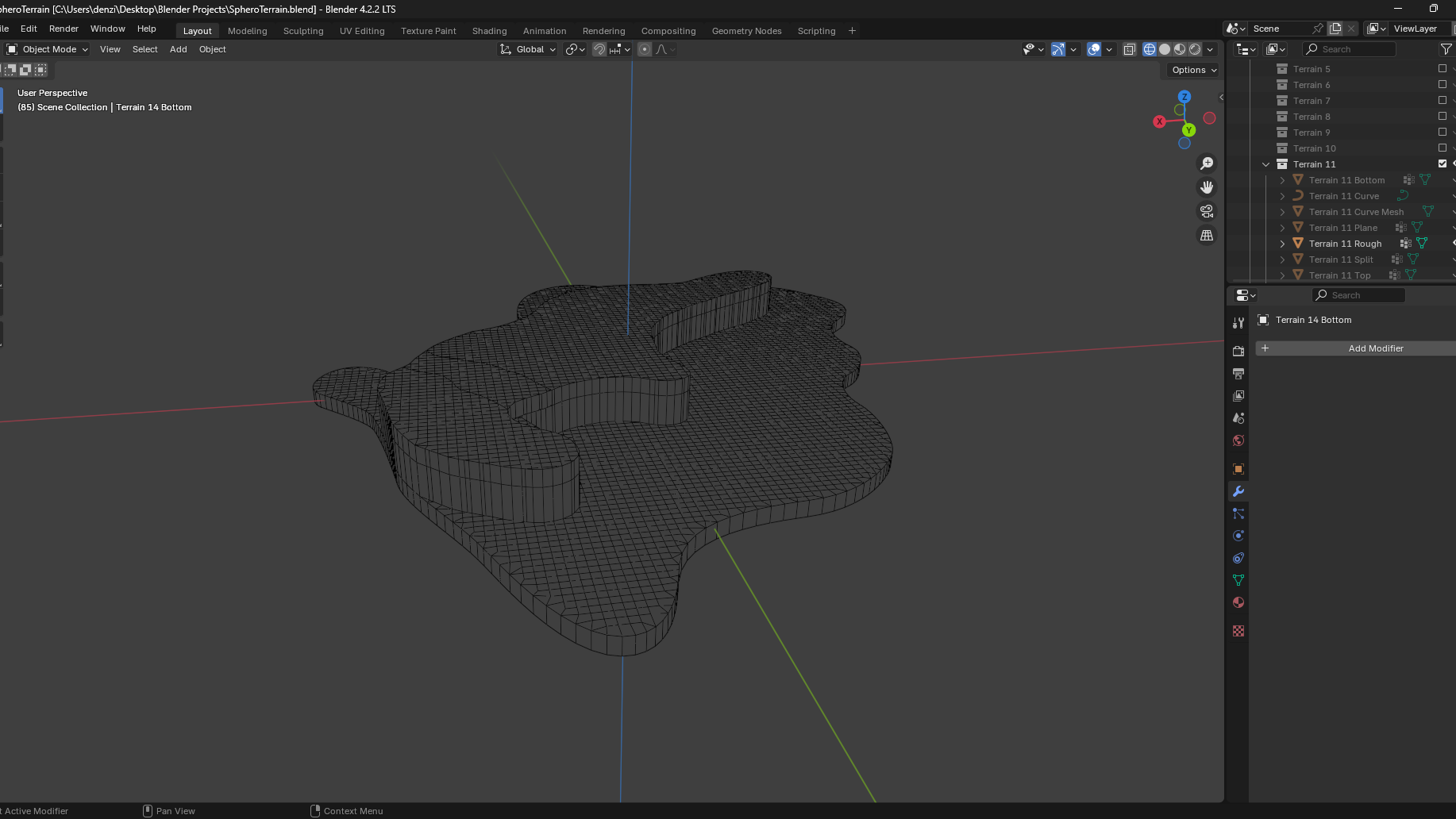
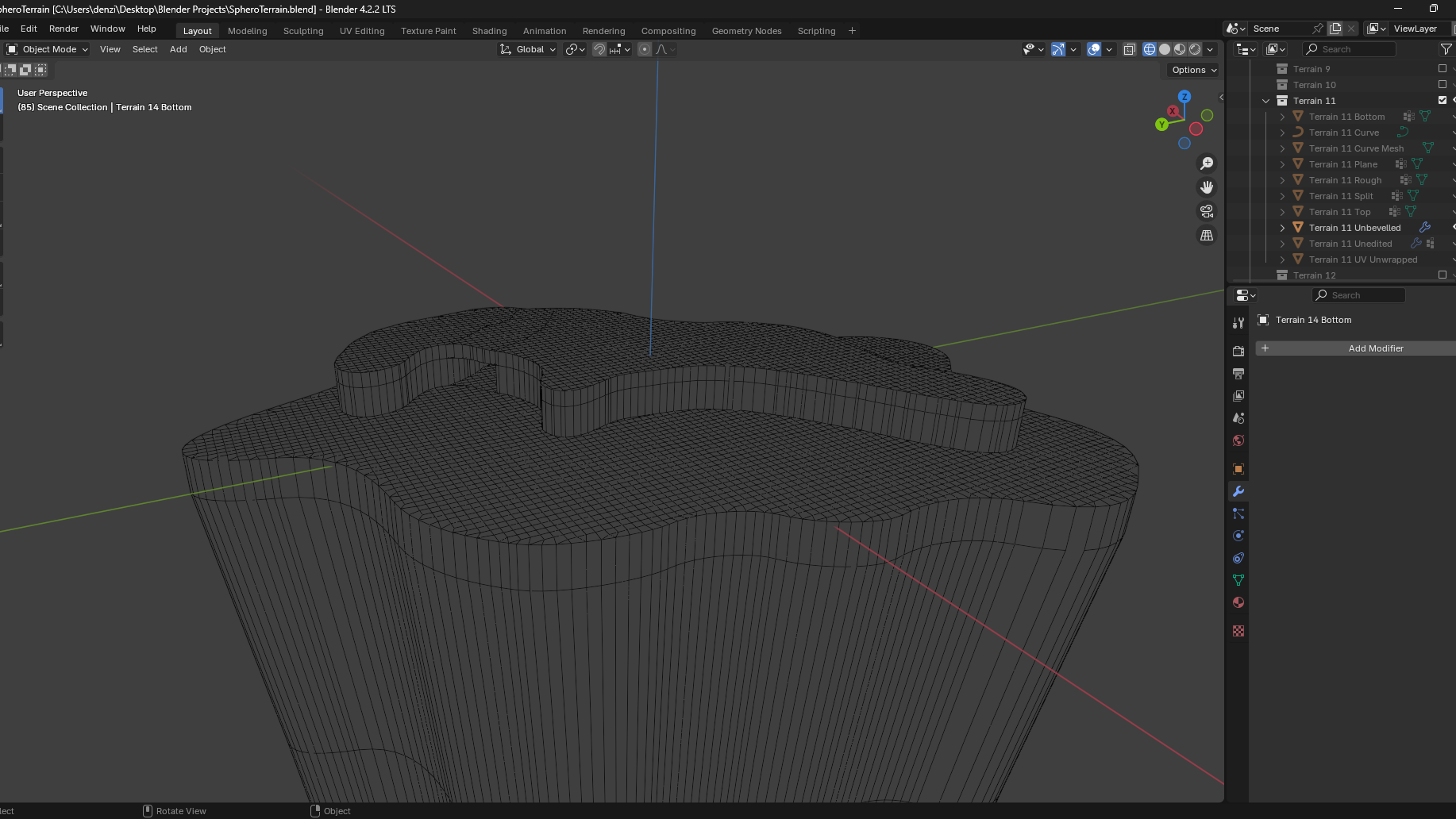
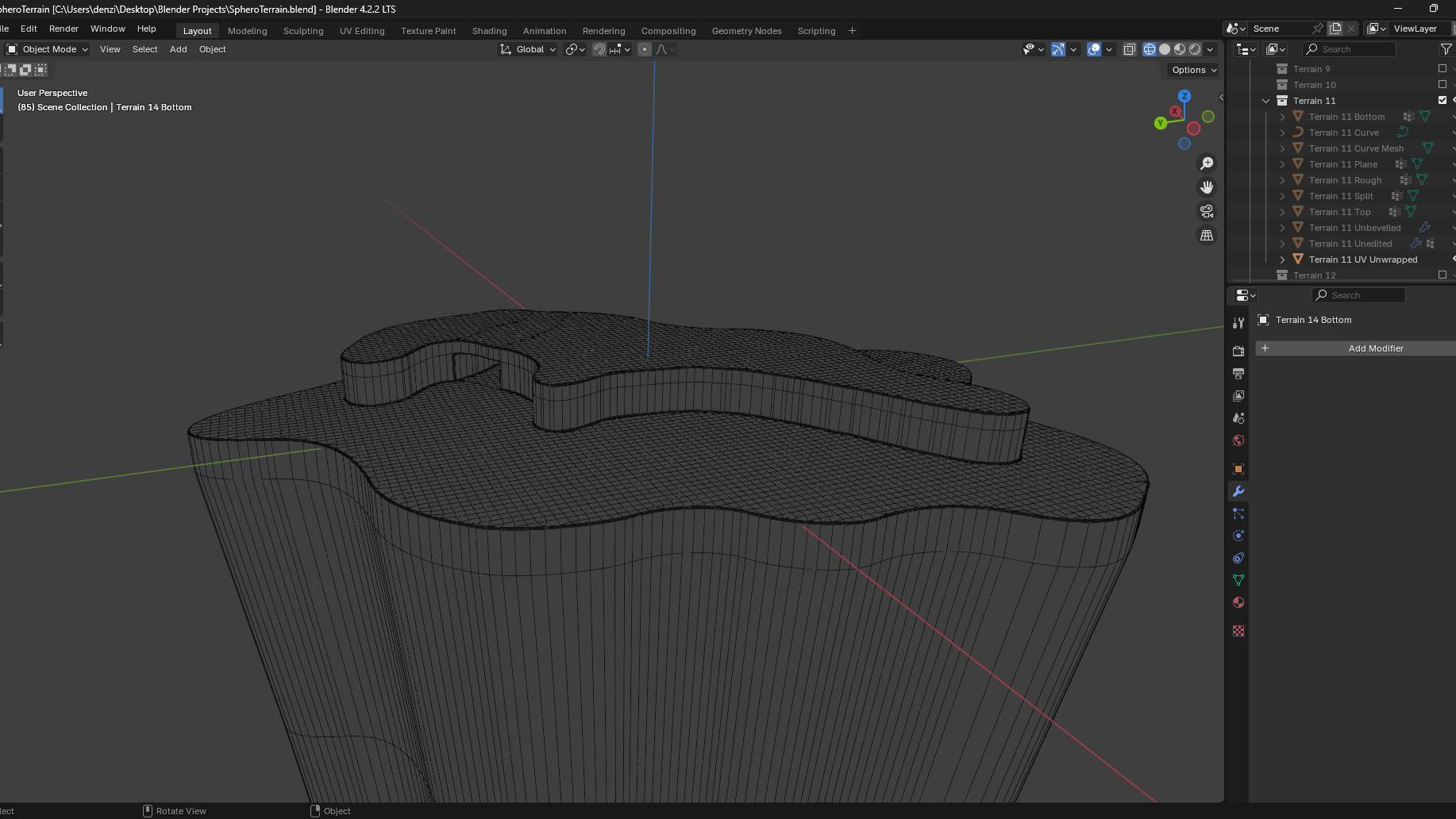
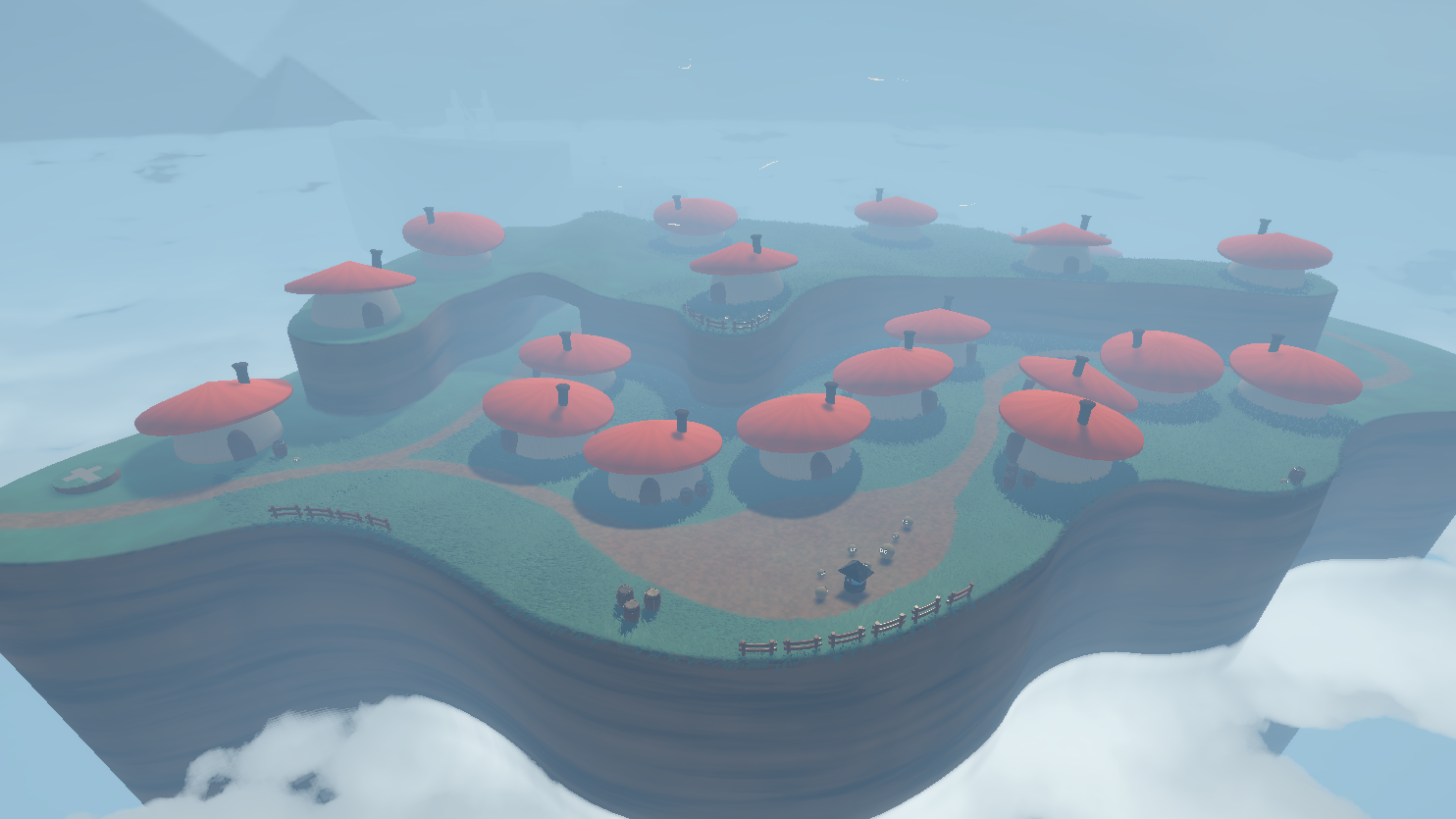
Terrain — Image of a planned terrain piece in SPHERO